
Mobile app UI design for a road safety programme
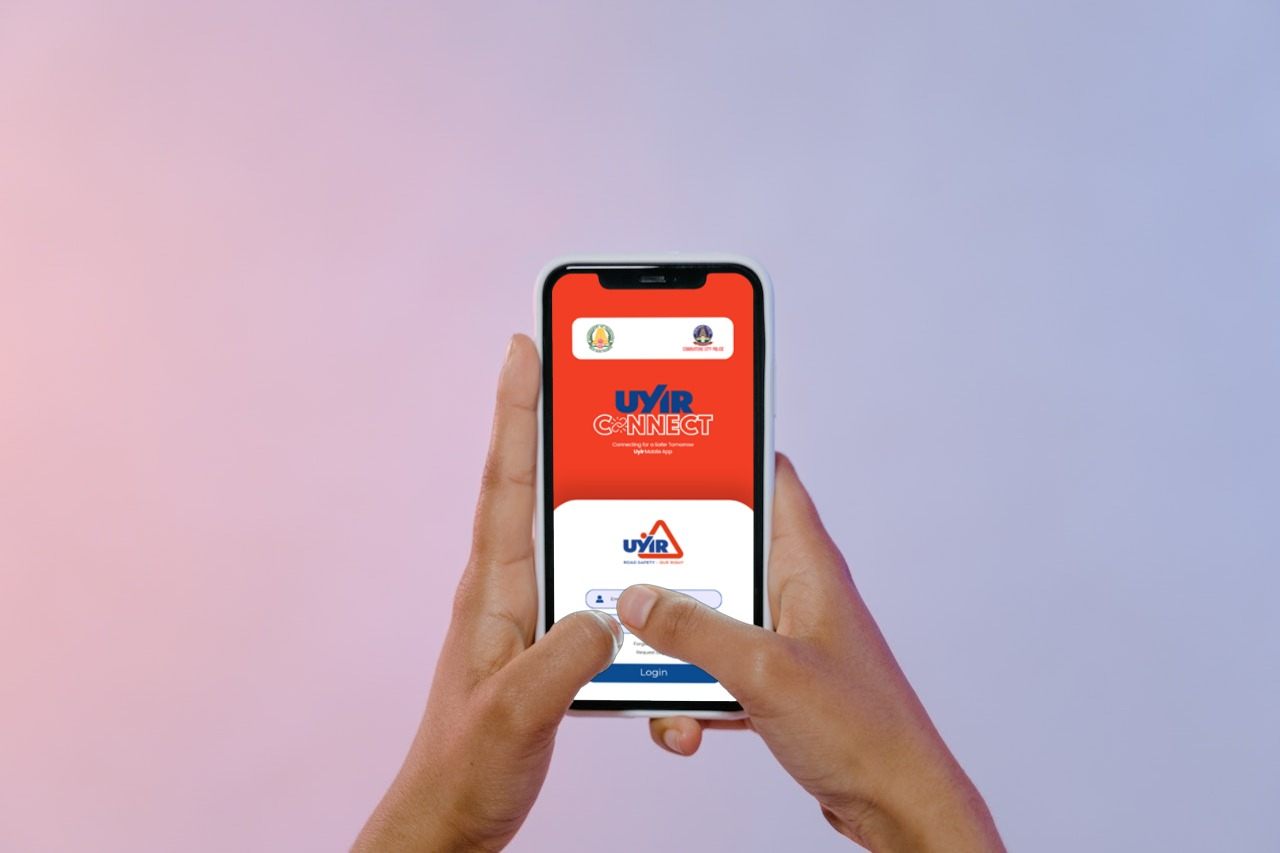
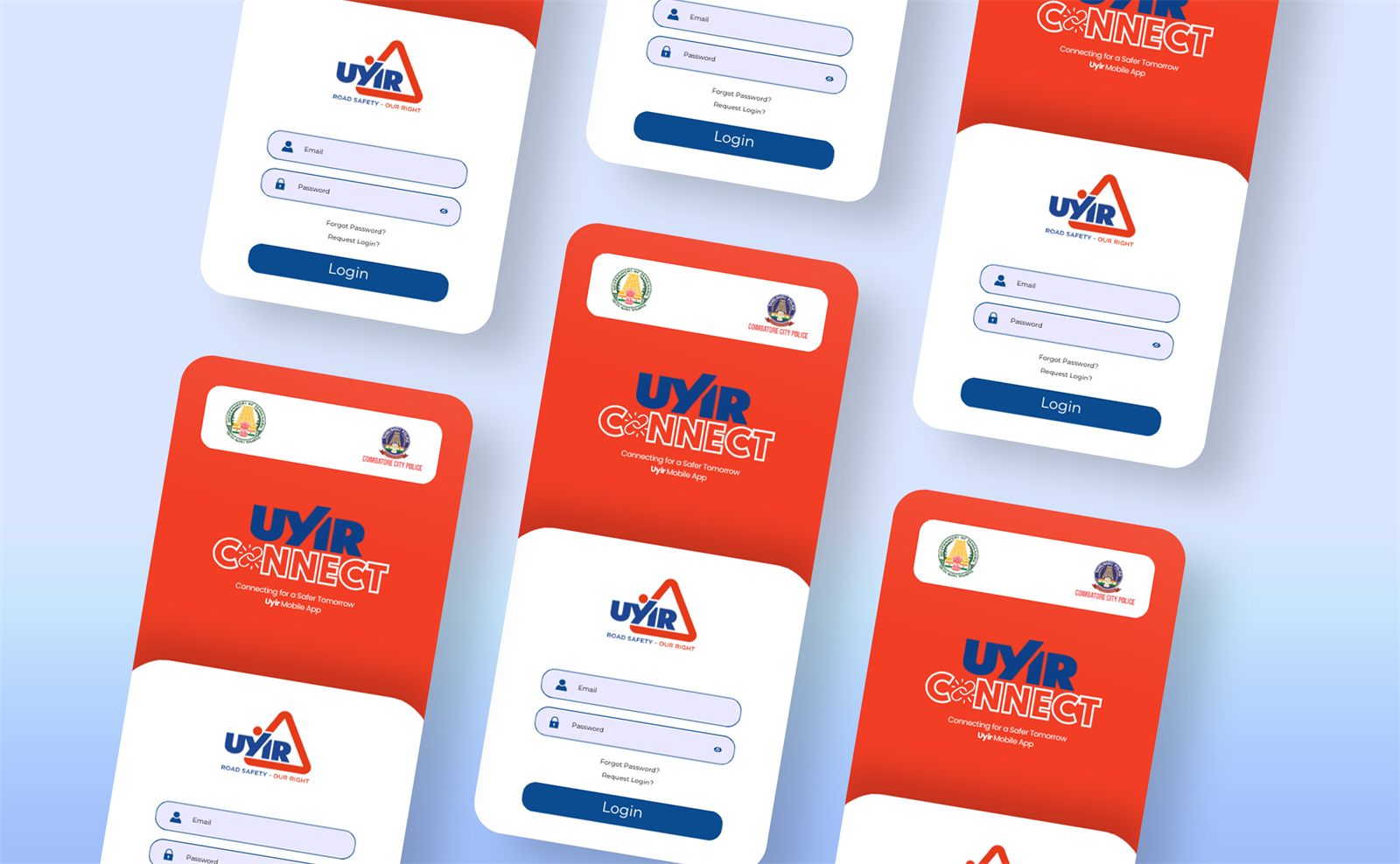
Interface design for a road safety app: sign-in, dashboard, activity history and reporting screens.
The brief
Field users needed to record activities and see progress quickly on a phone.
Our approach
Large touch targets, clear counts and a short path to the most used action.
One colour system and card layout across every screen.
A field officer should be able to record an activity in a few relaxed taps. We start by understanding that day, sketch the flow, design each screen, prepare mock-ups for approval and hand developers a clear reference. If you want us to build the application too, the same team carries it through testing and release, so nothing is lost between design and use.


What is mobile app UI design?
User interface design decides how an application looks and how people move through it: screens, buttons, colours, text and feedback. For a road safety programme we designed sign-in, dashboard, activity history and reporting screens that field users can understand quickly on an ordinary smartphone, often outdoors and in a hurry.
How do you design for field users?
Keep the most frequent action close, use large touch targets and show progress as clear counts. Strong contrast helps in sunlight, and plain labels avoid training manuals. Consistent card layouts mean that once a person learns one screen, the others feel familiar, which reduces errors when recording activities.
What belongs on an app dashboard?
A dashboard should answer the first question a user has. Here that means totals for the main categories and a quick way into history and submission. Showing too many figures hides the important ones, so we grouped information into a few readable blocks with icons and short titles.
Why create presentation mock-ups?
Mock-ups let stakeholders judge the experience before development begins. Seeing screens on a handset, side by side and in use, reveals gaps in flows and wording early, when changes cost little. Approved designs then give developers a precise reference for spacing, colour and behaviour.
Who can build the app after design?
Inopro Solutions designs and develops Android, iOS and web applications, including user flows, interface design, backend systems and support. Government programmes, institutions and businesses can start with a clickable design, test it with real users and then build in stages with visible weekly progress.
What we delivered
- Sign-in and onboarding screens
- Dashboard with counts
- History with date filter
- Presentation mock-ups
The outcome
An interface that is easy to learn and consistent across screens.
Plain answers.
What is included in app UI design?
User flows, screen layouts, a colour and type system, components and mock-ups for approval.
Do you also build the app?
Yes. We design and develop Android, iOS and web applications.